How to Convert Image to PDF Without Uploading Files: The Privacy Guide
Quick Answer
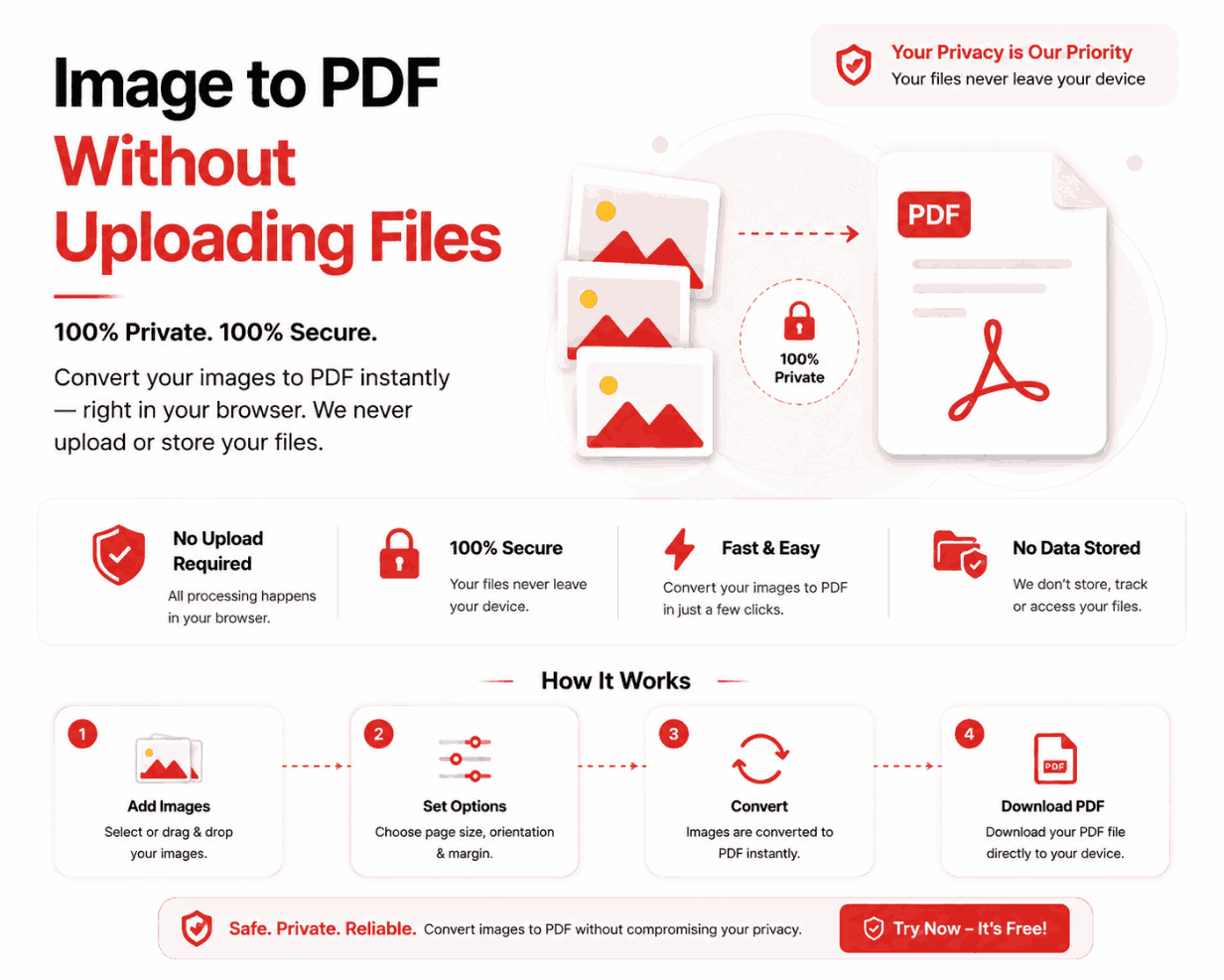
To convert an image to PDF without uploading it, you must use a web application built on WebAssembly (client-side processing). These modern tools download the conversion software engine into your browser's temporary memory, allowing your files to be processed locally on your hard drive. Disconnect your internet before converting to mathematically prove your files never leave your device.
Summary
Uploading personal identification, medical records, or confidential business documents to random free converter websites is a massive cybersecurity risk. This technical guide explains the severe vulnerabilities of cloud-based processing and introduces the modern standard for secure web utilities: client-side processing via WebAssembly.
Introduction
For over a decade, users needing to quickly turn a JPG into a PDF have relied on cloud-based utilities. The workflow was simple: upload the image, wait for the server to process it, and download the result.
However, in an era of escalating data breaches and invasive data brokering, this workflow is no longer acceptable for sensitive documents. Handing over copies of your passport or tax returns to an unknown server infrastructure exposes you to identity theft. The industry solution is a paradigm shift toward zero-upload architectures.
The Danger of Cloud Uploads
When you utilize a traditional cloud converter, your data is exposed at multiple vulnerability points:
The 3 Points of Vulnerability
- Transmission: The file travels across the internet. If the site lacks proper SSL/TLS encryption, it can be intercepted.
- Server Storage: The file sits in an Amazon AWS or Google Cloud bucket. If the developer misconfigured the bucket's permissions, anyone can access it.
- Data Retention: Even with a "Delete After 1 Hour" policy, malicious scripts or rogue database admins have a 60-minute window to copy the file.
The WebAssembly Solution
WebAssembly (Wasm) is a low-level binary format that runs in modern web browsers at near-native speeds. It allows developers to compile complex desktop-grade software (like PDF generation engines) so they run directly inside Chrome, Safari, or Edge.
| Architecture | Data Location | Privacy Guarantee |
|---|---|---|
| Legacy Cloud Server | Remote Datacenter | Relies on privacy policy promises. High risk. |
| WebAssembly (Client-Side) | Local Device RAM | Mathematically impossible to leak (No network requests made). |
How to Verify Local Processing (The Airplane Mode Test)
Never trust a website's marketing claims regarding privacy. You can manually verify if a tool is truly client-side by performing the "Airplane Mode Test":
- 1Load the Website: Navigate to the Image to PDF tool in your browser. Wait for the interface to load completely.
- 2Disconnect the Internet: Turn off your Wi-Fi, unplug your Ethernet cable, or enable Airplane Mode on your phone.
- 3Select Your Files: Add the PNG or JPG files you wish to convert.
- 4Execute Conversion: Click generate. If the tool is genuinely client-side, it will compile and download the PDF instantly, despite having zero internet connection.
Common Privacy Mistakes
Trusting "Secure Upload" Icons
Many websites place a padlock icon next to their upload button, claiming "256-bit Secure Upload." This only means the transit is encrypted via HTTPS. It does absolutely nothing to protect the file once it reaches their server. Do not mistake HTTPS for data sovereignty.
Pro Tips for Corporate Security
If you manage IT for a corporation, instruct your employees to exclusively use client-side tools for tasks like WEBP to PDF conversion. When employees upload company financial data to random cloud converters to save time, they routinely violate GDPR, HIPAA, and internal compliance policies. Client-side tools solve this shadow IT problem immediately.
Frequently Asked Questions
Is it possible to convert images to PDF without uploading them?
Yes. Modern web tools utilize client-side WebAssembly to execute the conversion logic directly within your browser's RAM, completely bypassing the need to upload files to a remote server.
How do I know if a website is uploading my files?
If a website displays an 'Uploading...' progress bar that takes more than a second, or if it stops working when you disconnect your Wi-Fi, it relies on a cloud server.
Are "Delete After 1 Hour" privacy policies safe?
They are inherently risky. During that hour, your sensitive documents reside on a third-party server vulnerable to data breaches, rogue employees, or automated scraping. True safety is zero uploads.
Does client-side conversion work on mobile?
Yes, modern iOS Safari and Android Chrome fully support WebAssembly, allowing client-side processors to run flawlessly on smartphones.
Is client-side conversion faster?
Exponentially faster. By eliminating the network transfer phase (uploading and downloading), the process speed is limited only by your local CPU, resulting in near-instant conversions.
Conclusion
There is no valid technical reason to surrender your private documents to a third-party server for a simple file conversion. The technology exists to perform these tasks locally, instantly, and securely within the browser sandbox.
Take control of your digital privacy. Ensure your sensitive files never leave your device by utilizing a 100% client-side image to PDF processor that respects data sovereignty.