Is Browser-Based PDF Conversion Safe? A Cybersecurity Analysis
Quick Answer
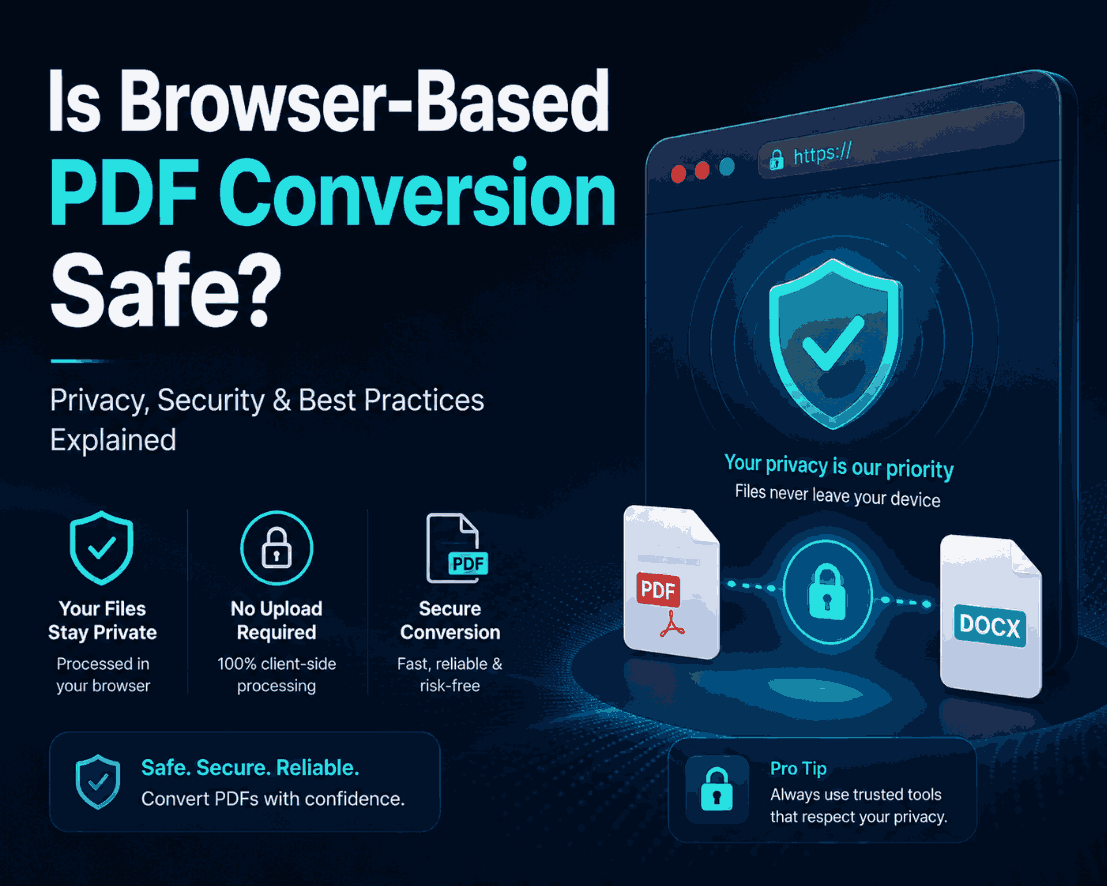
Browser-based conversion is typically safe if you use a client-side processor. Cloud-based converters require you to upload files to a third-party server, posing potential privacy risks. Client-side tools use WebAssembly to execute the software locally in your browser's memory, helping to ensure your sensitive data remains on your device.
Summary
Every day, millions of users surrender tax documents, medical records, and proprietary business graphics to anonymous servers simply to convert a file format. This cybersecurity analysis dissects the vulnerabilities of traditional web utilities, addresses common privacy misconceptions, and explains how browser sandboxing provides strong protections against data exposure.
Introduction
The internet is saturated with free utility tools offering to convert a JPG or PNG into a PDF. Because the interface looks like a standard webpage, most users assume the process is identical across all platforms.
This assumption is dangerous. The underlying architecture determining where the computational heavy lifting occurs drastically alters the security profile of the tool. Sending a scanned passport to a cloud server is a massive security failure; processing it locally in your browser is perfectly secure.
The HTTPS Padlock Myth
HTTPS is Not Data Sovereignty
Many websites proudly display "256-bit Secure Upload" alongside a padlock icon. This SSL/TLS encryption only protects the file while it is traveling through the internet cables. It does not protect the file once it is sitting on the developer's server.
If a developer's cloud storage bucket is misconfigured (which can happen even in enterprise environments), attackers may gain unauthorized access to uploaded documents. A privacy policy stating "we delete files after 1 hour" provides limited protection if a breach occurs during that window.
Cloud vs. Client-Side Architecture
| Feature | Cloud-Based Converter | Client-Side Converter |
|---|---|---|
| File Location | Uploaded to a remote server. | Remains in your local device RAM. |
| Network Dependency | Fails immediately without internet. | Works perfectly completely offline. |
| Data Breach Risk | Can be a target for attackers. | Minimal (Data remains on device). |
Understanding the Browser Sandbox
If client-side converters run the software locally, why is there no `.exe` or `.dmg` file to download?
Modern browsers utilize an environment called a sandbox. When a WebAssembly app runs, it is confined to this sandbox. It cannot read your hard drive, access your webcam, or view your system files. When you click "Select File" on an Image to PDF tool, you are manually handing a single copy of that specific file into the sandbox.
The compilation occurs in this isolated environment. Once you save the generated PDF and close the tab, the sandbox is destroyed, leaving absolutely zero trace.
GDPR and Corporate Compliance
For IT departments, "Shadow IT"—when employees use unapproved cloud tools to do their jobs faster—is a nightmare. An employee merging confidential financial WEBPs on a random free website violates GDPR, HIPAA, and internal data governance rules.
Client-side tools eliminate Shadow IT risks. Because the network layer is bypassed entirely, the data never crosses the corporate firewall. It is the web-equivalent of using a local desktop application, requiring no complex compliance audits or vendor risk assessments.
Common Security Mistakes
The Malicious Extension Threat
While client-side processing protects you from server-side theft, it cannot protect you from your own browser. If you have installed sketchy, unverified browser extensions (like free coupon finders), those extensions often have permission to "read and change all data on websites you visit." They can intercept your files inside the sandbox.
Pro Tips for Maximum Security
If you are converting highly classified documents (e.g., banking details, cryptographic keys), perform the conversion in a pristine environment. Open an "Incognito" or "Private Browsing" tab, which disables most extensions by default. Navigate to the client-side compiler, disable your internet connection to help ensure isolation, convert the file, and then close the tab before reconnecting.
Frequently Asked Questions
Is it safe to convert PDFs in my browser?
It depends on the architecture. Traditional cloud-based converters can be unsafe for confidential data because they upload your files to remote servers. Client-side converters minimize risk by processing the files locally within your browser sandbox.
What does a padlock in the URL bar mean?
The padlock (HTTPS) only means the connection between your computer and the website's server is encrypted. It does not protect your file once it arrives and sits on their remote hard drive.
Are "auto-delete" privacy policies reliable?
Even if a site promises to delete files after an hour, your data is still temporarily stored on a server. A zero upload architecture provides stronger security assurances.
How can a website convert files without uploading them?
Using a technology called WebAssembly. The website downloads a tiny conversion engine into your browser's RAM. When you select a file, that local engine compiles the PDF right on your own CPU.
Can a browser extension steal my files during conversion?
Yes, malicious browser extensions can read data on pages you visit. It is highly recommended to use incognito mode or disable unverified extensions when handling highly sensitive documents.
Does client-side processing violate corporate IT policies?
Generally, no. In fact, IT departments prefer client-side tools because no company data ever leaves the internal network, ensuring compliance with strict data sovereignty rules.
Conclusion
Browser-based PDF conversion is not inherently unsafe, but the legacy cloud architecture that powers some tools can present risks. By understanding the profound difference between remote and local computing, you can better protect yourself and your organization from data leaks.
Consider prioritizing security for sensitive files. Utilize client-side tools like the PDFChacha engine to format your confidential documents offline and locally.